
Why public Wi-Fi spots have become informal branches in broadband-poor counties
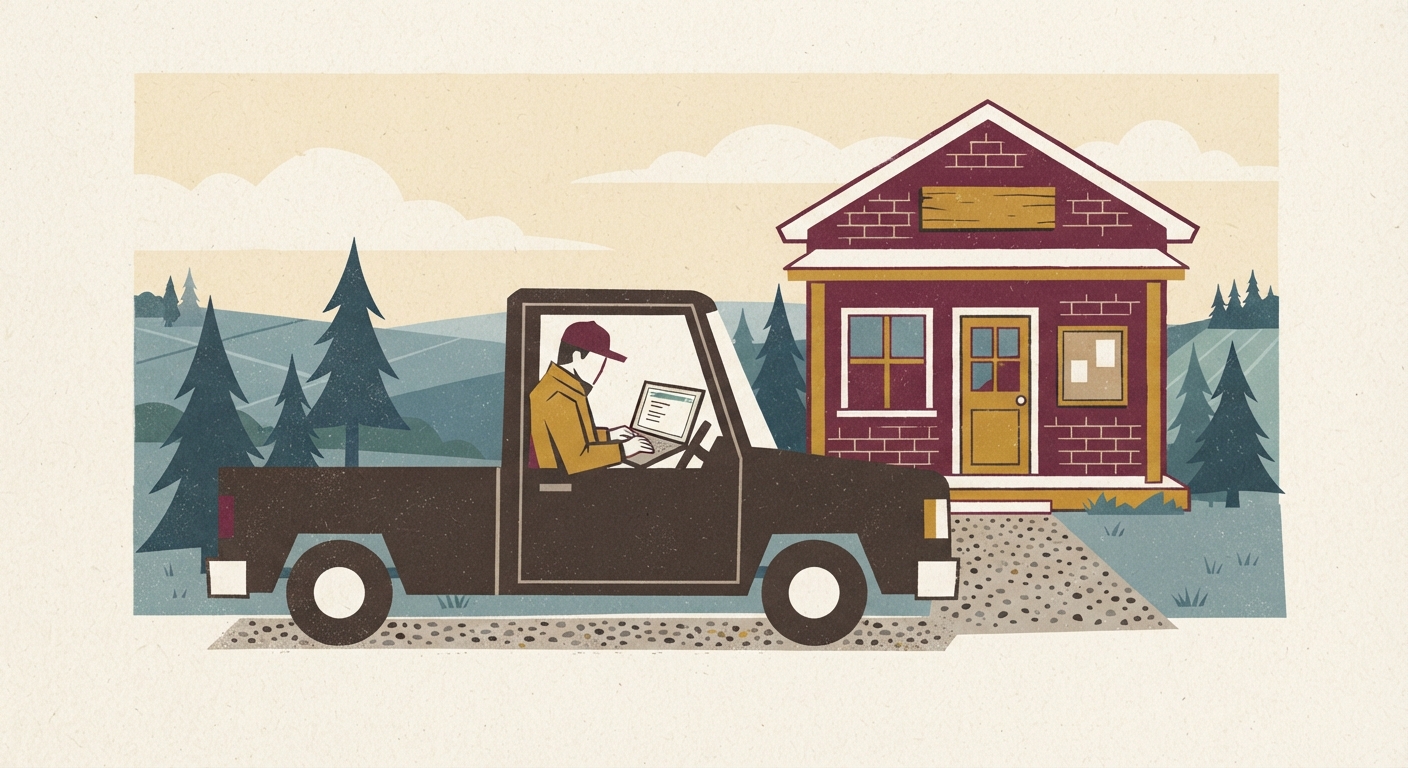
If you’ve found yourself sitting in your truck outside the library at 8:45 at night, laptop glowing, waiting for a check to clear, you’re not alone. In a lot of rural counties, the nearest bank branch closed years ago, the nearest bank with a human teller is forty minutes away, and home broadband either isn’t offered on your road or costs more than your electric bill. So the library parking lot, the school lot after hours, the town hall lobby, even the co-op’s guest network have quietly become the closest thing to a branch a lot of people have.
This isn’t a fringe situation. Whole counties get by on a patchwork of satellite internet that cuts out in wind, cell signal that drops two bars past the county line, and public Wi-Fi that’s free, decent, and available during business hours. People do their banking there because it works, not because it’s ideal. The problem is that these networks weren’t built with your account numbers in mind, and most banking apps assume you’re on a private home connection. Understanding that gap is the first step to using these spots safely instead of just hoping for the best.
The real security risks of logging into banking apps on shared networks
Public Wi-Fi isn’t automatically dangerous, but it is automatically shared. Anyone else connected to that same library or town hall network is, technically, on the same little neighborhood as you. Most of these networks aren’t monitored closely, and some still use older setups that make it easier for someone nearby to snoop on unencrypted traffic. The bigger everyday risk isn’t a hacker in a hoodie, though. It’s simpler things:
Auto-connect settings that quietly hook your phone onto a fake network with a similar name to the real one. A banking session left open on a screen visible from the next table. A public computer, if you’re using one instead of your own device, that keeps saved passwords or browser history behind for the next person. And plain old distraction, since parking lot banking often means rushing between other errands, which is exactly when people click the wrong link or approve the wrong text.
None of this means don’t do it. It means treat the parking lot like a public counter, not a private room, and act accordingly.
Simple steps to protect yourself: VPNs, private browsing, and timing your visits
A few habits go a long way toward making public Wi-Fi banking about as safe as banking gets these days.
Use a VPN if you can. A VPN scrambles your connection between your device and the internet, so even on a shared network, what you’re doing is much harder for anyone else on that network to see. Several reputable VPN apps are inexpensive or included with security software you may already have through your phone plan or antivirus subscription. Turn it on before you open your banking app, not after.
Stick to your bank’s official app instead of typing your bank’s website into a browser while on public Wi-Fi. Apps generally encrypt data more consistently than a browser session, and they cut out the risk of landing on a lookalike site through a bad link or typo.
Turn off auto-connect for Wi-Fi on your phone and choose the network by hand every time. Confirm the exact network name with a librarian or town hall clerk if you’re not sure which one is real, since it takes almost no effort for someone to set up a network called “Library-Guest-Free” a few car lengths away.
Use private or incognito browsing if you must use a browser, and always log out fully when you’re done rather than just closing the tab. If you’re on a shared public computer, this matters even more, since “remember me” boxes and saved passwords are an easy trap.
Time your visits during open hours when the building is staffed and other people are around, rather than late at night in an empty lot. It’s not just about safety from crime. Staffed hours usually mean a more stable, better-maintained network, and someone to ask if the connection seems off.
Finally, keep your phone or laptop’s software updated. Those update reminders you keep swiping away often include security patches for exactly this kind of situation.
Which tasks are safe to do on public Wi-Fi and which should wait for a secure connection
Not every money task carries the same risk, so it helps to sort them.
Generally fine to do from the parking lot with a VPN and your bank’s app: checking your balance, reviewing recent transactions, confirming a deposit or check has cleared, setting up alerts for low balances, and paying a bill you’ve already scheduled through your bank’s bill pay system.
Worth extra caution or a second look before you hit confirm: transferring money between accounts, especially larger amounts, and setting up a new payee or a wire. These are exactly the transactions that scammers try to intercept or trick you into misdirecting, so if the app is behaving oddly, freezing, or asking for information it’s never asked for before, stop and try again later on a more secure connection.
Better saved for a trusted connection entirely, such as a friend’s home internet, your workplace, or a bank lobby computer if one is available: opening a new account, applying for a loan, changing your Social Security number or banking password recovery information, and anything involving uploading photos of your ID or tax documents. These involve exactly the kind of sensitive, hard-to-undo information that’s worth the extra drive.
A good rule of thumb: if a mistake or interception would just be annoying, the parking lot is fine. If a mistake or interception would be genuinely hard to unwind, wait for a better connection.
Making a weekly ‘banking errand’ routine around library and town hall hours
The people who handle this best treat it like any other regular errand, not an emergency scramble. Pick a day and a rough time, maybe Tuesday afternoon when you’re already in town for feed or parts, and build your money tasks around it the same way you’d plan around the post office being open.
Keep a short list on your phone of what needs doing that week: check the balance, confirm the co-op payment posted, pay the propane bill, review the card statement for anything odd. Knock it out in one sitting rather than several rushed sessions, since fewer logins on public networks means fewer chances for something to go sideways.
Call ahead or check the posted hours for the library or town hall Wi-Fi, since many rural branches have shorter hours than you’d expect, and some shut the network off outside staffed times even if the building lights stay on. If your town has more than one public Wi-Fi option, like the library and the community center, it doesn’t hurt to know both, in case one is down or crowded.
And keep a low-tech backup in mind. A phone call to your bank, a mailed statement you actually open, or a drive to the nearest branch once a month for anything complicated isn’t old-fashioned, it’s just another tool. Public Wi-Fi banking is a genuinely useful workaround for a real gap in rural infrastructure, but it works best as part of a routine, not as the only option you’ve got.
