
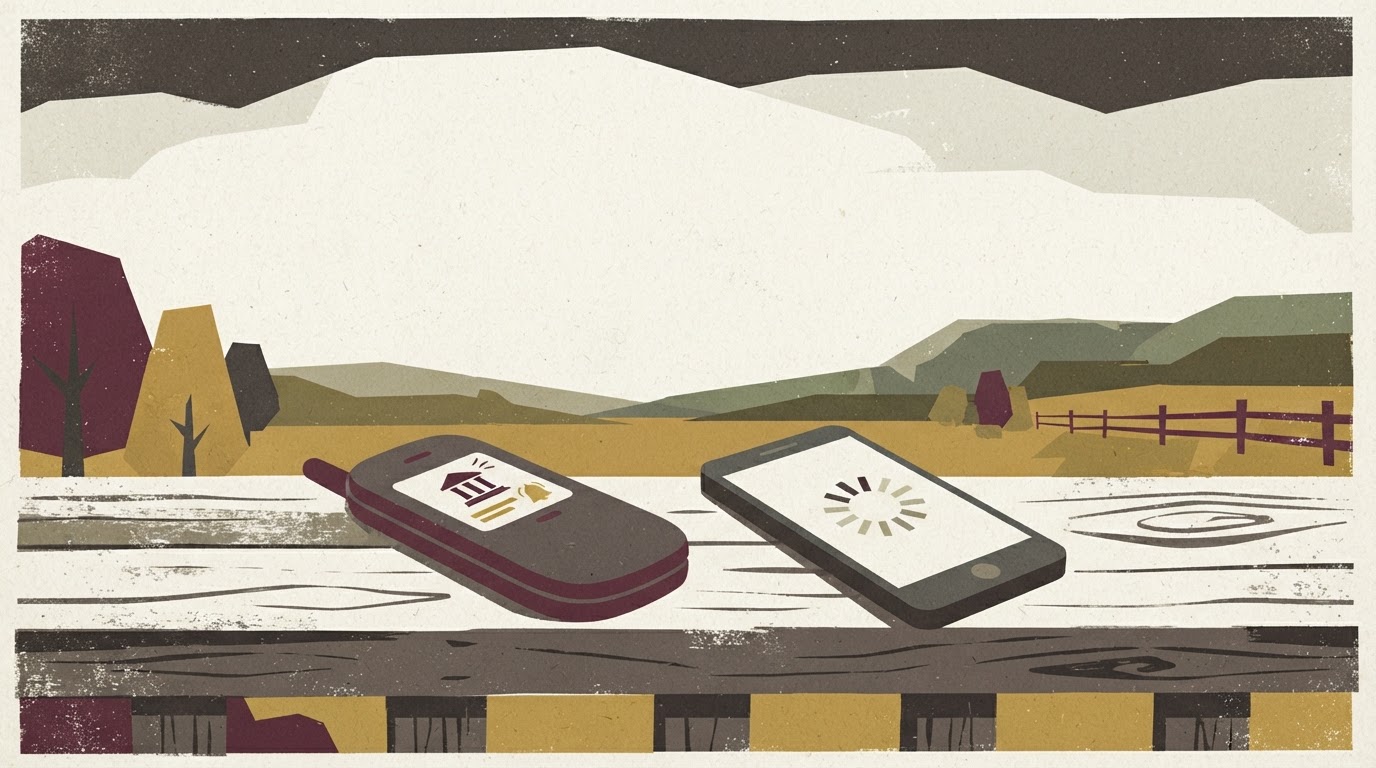
You’ve probably lived this moment: standing in the yard, or maybe up on a ridge where you know the signal is a little better, watching a loading wheel spin on your banking app until it finally gives up and shows you a blank screen. Then, almost as an insult, a text message comes through clean and instant. If a text can make it and a banking app can’t, that’s not a coincidence. It’s about how much data each one needs and how forgiving it is of a weak connection.
A banking app is basically a small computer program having a conversation with your bank’s servers every time you open it. It’s checking your identity, pulling account data, rendering graphics, loading images, and often phoning home to a handful of other services for fraud checks or ads you didn’t ask for. Every one of those steps needs a stable stream of data. In a place with one bar that flickers between two bars and nothing, that back-and-forth conversation breaks down before it finishes, and you get the spinning wheel or the app timing out.
A text message works completely differently. SMS was built decades ago to survive weak, spotty connections because that’s all cell networks had at the time. It doesn’t need a continuous data stream. It just needs your phone to grab a tiny signal for a second, long enough to send or receive a short burst of information. That’s why a text can slip through in the same spot where a app gives up. For a lot of rural counties, especially ones with hills, tree cover, or just long distances between towers, that difference is the whole ballgame.
How SMS banking actually works: balance checks, transfer confirmations, and fraud alerts by text
Text banking isn’t new, and it isn’t complicated, which is part of why it’s held up so well. Most banks and credit unions that offer it let you text a short code or keyword to a specific number and get a reply with your balance. Something like texting “BAL” to your bank’s number and getting a text back a few seconds later telling you what’s in your checking account. Some let you check multiple accounts by texting different keywords for savings, a loan, or a credit card.
Beyond balance checks, text banking usually covers transfer confirmations. If you move money between accounts online or through a phone call to your branch, you can often get a text confirming it went through, which matters a lot when you’re not sure your app connection will let you check it any other way. Fraud alerts are probably the most valuable piece for a lot of folks. If your bank flags a suspicious charge, a text alert can reach you faster and more reliably than a push notification from an app that needs data to even open.
Some institutions have expanded this into two-way texting, where you can reply to a fraud alert with “YES” or “NO” to confirm whether a charge was really you, without ever needing to log into anything. That’s about as low-friction as banking gets, and it works on a phone from a decade ago.
Which banks and credit unions still offer robust text banking, and how to ask if yours does
Text banking availability varies a lot from one institution to another, and it’s not always advertised front and center on a bank’s website, because the marketing push these days is all about apps. Community banks and credit unions that serve rural areas are more likely to still maintain a solid text banking system, partly because their own membership has been asking for it for years and partly because they understand their customer base isn’t all sitting on strong suburban broadband.
Larger national banks often have some version of text banking too, but the depth of features can be thin, sometimes limited to balance checks only, with transfers and alerts pushed exclusively into the app.
The best way to find out what your bank or credit union actually offers is to call them directly and ask specifically about “text banking” or “SMS banking,” not just “mobile banking,” since staff sometimes default to talking about the app unless you’re specific. Ask what keywords or short codes they use, whether transfers are supported by text, and whether fraud alerts come through as SMS as well as app notifications. If your local branch doesn’t know, ask them to check with a call center or supervisor, since front-line staff in smaller branches aren’t always trained on every feature.
Security basics for text banking: what a legitimate bank text looks like versus a phishing attempt
Any time money and text messages mix, scammers show up, so it’s worth knowing the difference between a real bank text and a fake one. A legitimate bank text will typically come from a short code or a number you’ve seen before, and it generally won’t ask you to click a link to “verify” your account or “unlock” it. Real fraud alerts usually describe the exact transaction, an amount and a merchant, and ask you to reply with a simple yes or no, or to call the number on the back of your card, not a number included in the text itself.
Phishing texts tend to create urgency and push you toward a link. They might say your account is locked, or that you need to update your information right now, and they’ll include a link that looks close to your bank’s actual website but isn’t quite right. If you ever get a bank text that asks you to type in your full account number, your password, or your Social Security number, that’s not your bank. Real institutions already have that information and won’t ask for it over text.
When in doubt, don’t reply to the text and don’t click anything in it. Call your bank directly using the number on your card or statement, and ask them if the message is legitimate. It takes a few extra minutes, but it’s a lot better than the alternative.
Setting up text alerts as a backup system even if you normally use the app
Even if your app works fine most of the time, it’s worth setting up text alerts as a backup, because the day your app doesn’t load is usually the day you need information the most. This is especially true around harvest, calving season, or any stretch where you’re out in fields or pastures with no cell tower nearby, but a transaction still needs your attention.
Most online banking portals have a section for “alerts” or “notifications” where you can choose to receive updates by text instead of, or alongside, push notifications. Common alerts worth turning on include low balance warnings, large withdrawal or deposit notices, and any failed login attempts on your account. Setting these up usually takes about ten minutes through your bank’s website on a good connection, and then they’ll keep working even on the days your connection isn’t good at all.
When SMS banking isn’t enough and you need a low-data browser fallback instead
Text banking has real limits. It’s good for quick checks and alerts, but it’s not built for paying bills, depositing checks, or digging through months of transaction history. For those tasks, some banks offer a stripped-down, low-data version of their website, sometimes called a “lite” or “mobile” site, that loads text and basic numbers without the heavy images and scripts that choke a weak connection.
If your bank has one, bookmark it separately from the regular site, since it’s often at a different address entirely. It won’t look flashy, but on a bad connection day, flashy is exactly what you don’t need. Between texting for quick checks and a low-data site for anything heavier, you can cover most of what a full app does, without needing the kind of signal that a lot of rural land just doesn’t have yet.
