
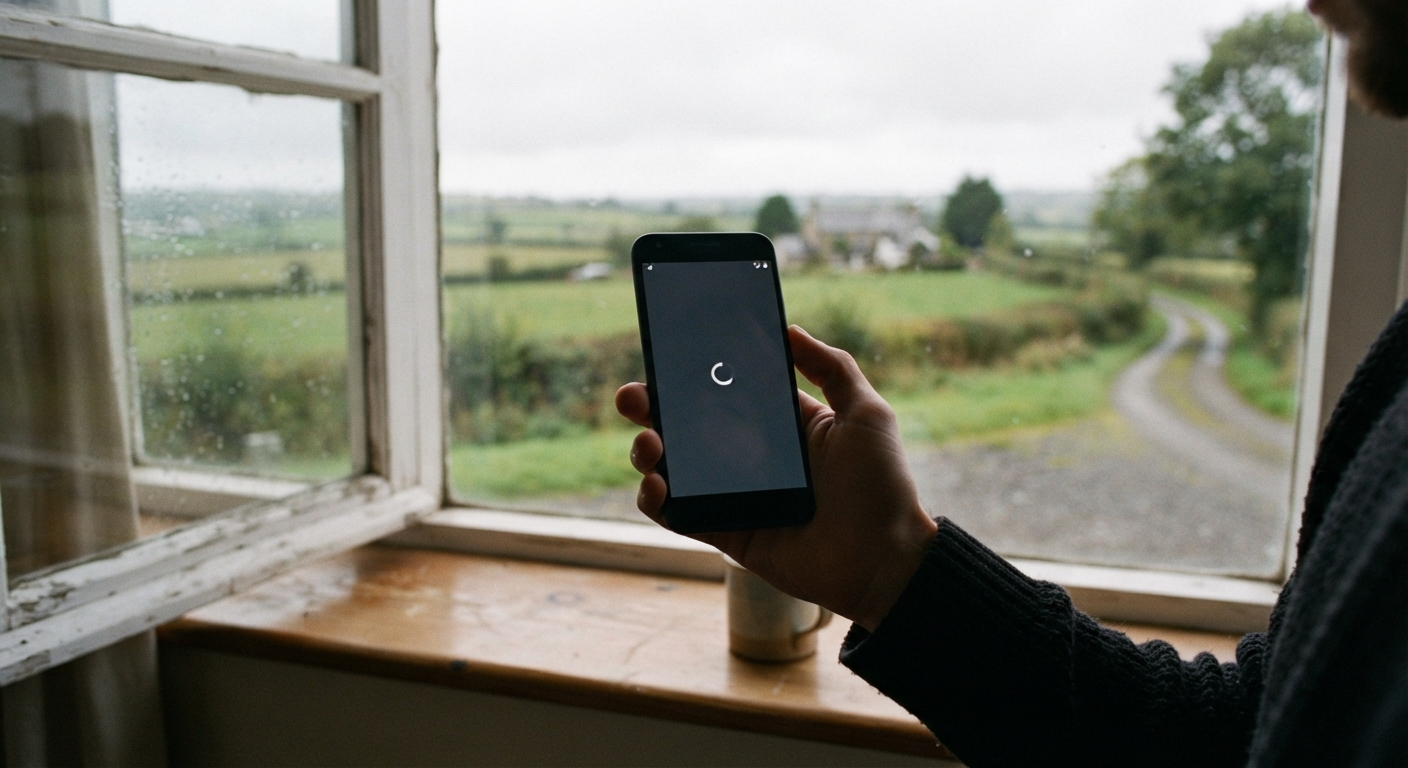
You need to check your account balance before the co-op cashes a check, or you’re trying to pay a bill before a late fee hits, and your bank does what banks do now: it wants to text you a code. So you wait. You watch the little “sending” spinner. Ten minutes later, nothing. You’re locked out of your own money because a six-digit number got stuck somewhere between a cell tower forty miles away and your phone sitting on the kitchen table with two bars if you hold it just right by the window.
This isn’t bad luck, and it isn’t just you. It’s a design problem. Two-factor authentication, or 2FA, was built by people who assume everyone has strong, steady signal and unlimited data. That assumption doesn’t hold up on a lot of rural roads, ranches, or even small-town main streets where the nearest tower is stretched thin across a lot of square miles. The good news is there are ways around it, and once you understand why it fails, you can set yourself up so it stops failing at the worst possible time.
Why SMS-based two-factor authentication depends on network quality most rural carriers can’t guarantee
A text message verification code isn’t a phone call and it isn’t email. It’s a short burst of data that has to travel through your carrier’s SMS system, hop between towers if you’re moving, and land on your device in a narrow window before the code expires, usually five or ten minutes. In a city, that trip takes a couple of seconds because towers are close together and signal is strong. In a lot of rural counties, that same message might get queued, dropped, or delayed because there’s only one tower for miles, it’s carrying a lot of traffic, or your carrier leases space on someone else’s network and your text gets deprioritized.
Weather makes it worse. Heavy rain, snow, or even just a cold front moving through can knock out marginal signal that was already hanging on by a thread. If you’re in a metal building, a basement, or a low spot on your property, a signal that’s barely adequate outside might not reach you at all. And if you’re on a satellite internet plan for your home wifi but relying on cell signal for texts, those two systems don’t talk to each other, so a strong wifi connection does nothing to help a text message find you.
The difference between SMS, voice call, authenticator app, and email verification methods
Most banks offer more verification options than they advertise on the login screen. It helps to know what each one actually does. SMS text is the default most places push first because it’s cheap and simple for the bank to set up, but it’s the option most dependent on live cell signal at the exact moment you need it.
A voice call code works differently. Instead of a text, the bank’s system calls your phone and reads the code out loud. Voice calls sometimes get through when texts don’t, because voice traffic on some networks is handled with slightly different priority than data-based texts, especially on older or rural-friendly carriers.
An authenticator app, like the ones offered by Google, Microsoft, or standalone apps built for this purpose, generates a new code every thirty seconds or so right on your phone, with no signal required at all once it’s set up. It relies on your phone’s clock, not a live connection, which makes it the most reliable option if you can get it configured.
Email verification sends the code to your inbox instead of your phone. This can work well if you have decent home internet, even slow satellite or DSL, but it’s useless if your only connection is also spotty, and it’s only as secure as your email account, so it’s worth having a strong, unique password there too.
Which method works most reliably with spotty signal or satellite internet
If you have to pick one method to lean on, an authenticator app is usually the strongest choice for rural conditions, because once it’s set up, it doesn’t need any signal at the moment you’re logging in. The catch is you do need signal or wifi the one time you set it up, and you need to actually remember to open the app rather than waiting for a text that isn’t coming.
If an authenticator app feels like too much of a leap, voice call is the next best bet. It’s not perfect, but plenty of people find that a call gets through on weak signal when a text sits in limbo. Email is a solid backup if your home internet is more dependable than your cell signal, which is the case for a lot of households running satellite service. The honest answer is that no single method is bulletproof out here, which is exactly why having more than one set up matters so much.
How to set up backup verification options before you’re locked out
The best time to fix this is on a day when everything is working fine, not the day you’re standing at the counter of the feed store trying to move money before it closes. Log into your bank’s website or app while you have decent signal or a wifi connection, and look in the security settings for two-factor or multi-factor authentication options.
Add a second phone number if you have access to one, such as a landline or a family member’s cell that gets better coverage in your area. Add your email as a backup method if it isn’t already there. If the bank offers an authenticator app option, take the time to set it up now, even if it feels fussy, because that ten minutes of setup can save you an afternoon of frustration later. Write down or print any backup codes the bank gives you during setup, the kind meant for emergencies, and keep them somewhere safe that isn’t only on your phone, since a phone with no signal or a dead battery isn’t going to help you read them.
What to do when you’re already locked out and can’t receive a code
If you’re in the moment and the code isn’t coming, don’t keep hitting resend over and over, since that can sometimes trigger a temporary lockout on its own. Instead, look for a small link near the code entry screen that says something like “try another way” or “use a different method,” which often lets you switch from text to voice call or email on the spot.
If there’s no alternate method available and you’re truly stuck, move to a spot with better signal if you can, even if that means driving up the road or standing on a specific corner of your property that everyone in a small town seems to know about. If that’s not an option, call your bank’s customer service line from any phone that works, including a landline, and explain the situation. Most banks and credit unions have a manual identity verification process for exactly this scenario, using security questions or account details instead of a code.
Talking to your bank or credit union about alternative verification for rural members
If this keeps happening, it’s worth raising directly with your bank or credit union rather than just working around it every time. Ask specifically whether they offer authenticator app support, voice call verification, or email-based codes, since not every institution advertises all three, and staff at a local branch may know workarounds that aren’t on the website.
Credit unions and community banks that serve a lot of rural members are often more willing to adjust than people expect, because they hear this complaint regularly and would rather fix it than lose a member’s trust. It doesn’t hurt to ask whether they’ve considered offering a security question fallback or a way to register a trusted secondary contact method for members in low-coverage areas. The people setting up these systems are usually working from a city office and don’t think about dead zones until someone tells them. You telling them is part of how it gets better for the next person in line behind you.
